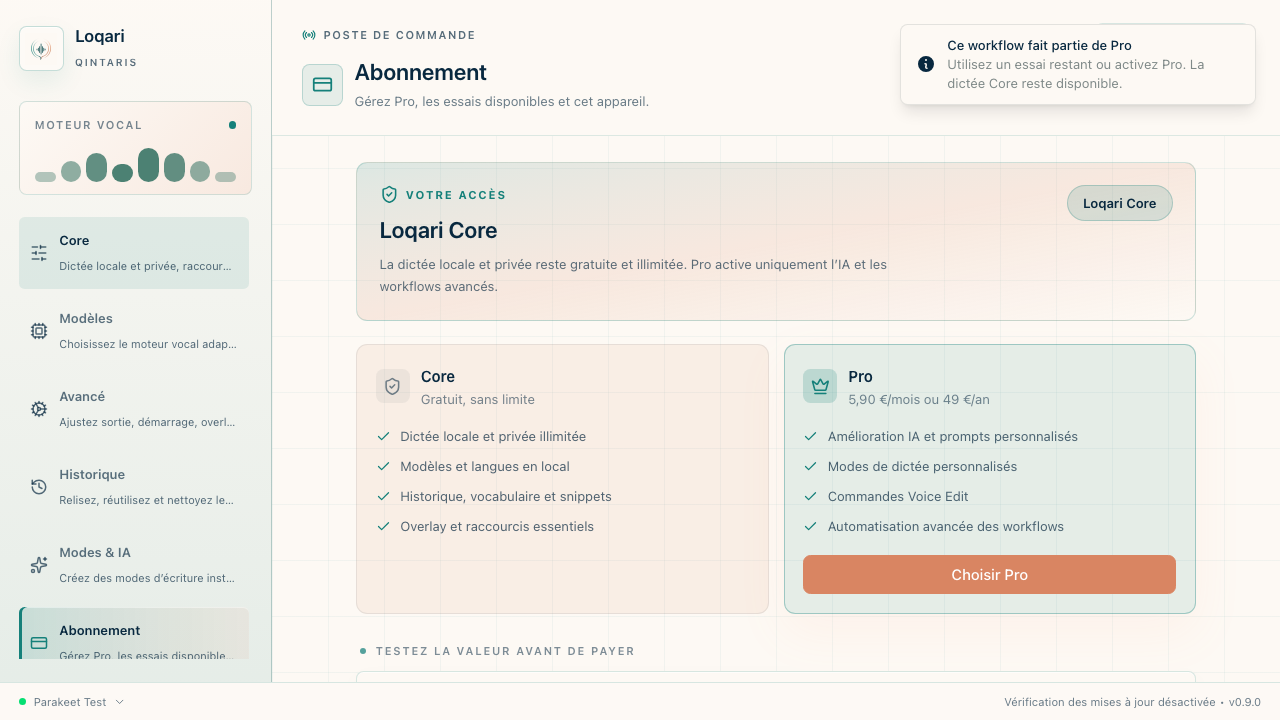
Loqari Core
€0forever
Private local dictation with no account required.
- Local dictation in every app
- History and personal vocabulary
- Local transcription models
- MIT-licensed core
 Loqari
Download Core
Loqari
Download Core
Local dictation for macOS
Loqari types in every app without sending your voice to a server. Local dictation needs no account and no AI subscription. Optional post-processing can use an official AI client you already pay for — without copying API keys.
Type with your voice in
One habit, three moves
Keep your existing workflow. Loqari simply bridges your voice and the text field that already has focus.
Start Loqari from any application.
Your audio is transcribed directly on your computer.
The text appears exactly where your cursor was.
Private by architecture
Core transcription runs locally. Loqari does not need to upload your recordings to make speech become text.
AI transformations are optional. When enabled, only text is sent to the provider you selected — never your audio.
Beyond transcription
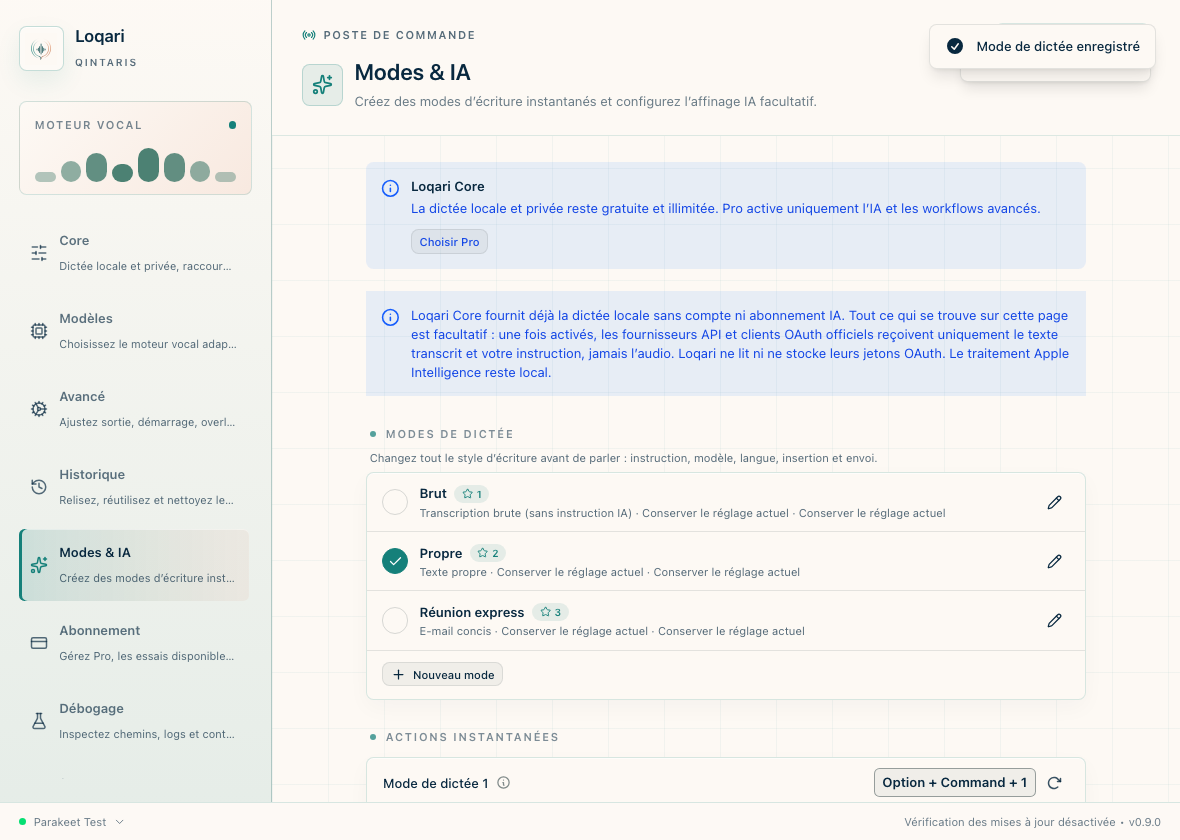
A quick message should not sound like meeting notes. Choose a mode and let Loqari shape your thought for the task.
Raw, structured, concise, or custom.
Your names, vocabulary, and writing style.
Rewrite or summarize a selection without switching tools.
The Loqari Pro difference
Loqari can hand text cleanup to an official client already signed in on your Mac. No additional API key to buy, paste, or store.
SUPPORTED CLIENTS
The test that actually matters
12 min · 3 dictations · your real work
Install Core without a card, dictate these three cases inside the app where you already write, then count the corrections. Good dictation should not merely recognize words — it should preserve your intent.
Run the free benchmark Apple Silicon · no account · no cardExplain a feature for 60 seconds, including pauses, hesitation and one new constraint at the end.
Watch: paragraphs, punctuation and preserved intent.Dictate a message containing your usual project names, files, tools and technical terms.
Watch: manual corrections on the words that matter.Start a request, say “no, rather…”, then reformulate naturally without starting over.
Watch: useful final text without losing the instruction.The verdict: how many seconds of editing before you trust the text enough to send it?
A free core. A Pro layer when it saves you time.
Loqari Core
€0forever
Private local dictation with no account required.
Loqari Pro
€5.90per month · or €49/year
For people who write all day and want advanced workflows ready to use.
Secure payment by Stripe. After confirmation, Loqari shows your activation code to enter in Settings → Plan.
Common questions
No for local transcription. Optional AI transformations send only the selected text, never your audio.
No. Loqari Core works without either. An AI account is useful only when you voluntarily enable post-processing.
The current Apple Silicon pilot is not yet notarized by Apple. We disclose that before download and never ask you to disable Gatekeeper.
Loqari is designed for all three platforms. The public pilot starts on Apple Silicon Macs so we can focus support and quality.
Give your keyboard a break
No account, no card. You will see compatibility, security limitations, and installation steps before the download starts.
Get the macOS build macOS 11 or later · Apple Silicon